> ## Documentation Index
> Fetch the complete documentation index at: https://docs.hoppscotch.io/llms.txt
> Use this file to discover all available pages before exploring further.
# Hoppscotch Desktop App
> Download and install the Hoppscotch Desktop App for macOS, Windows, and Linux. Build and test APIs natively with a cross-platform client.
Hoppscotch Desktop App is a cross-platform desktop application that helps you create and manage API requests. It is built on top of the [Hoppscotch Web Client](/documentation/clients/web/overview) and is powered by [Tauri](https://tauri.app).
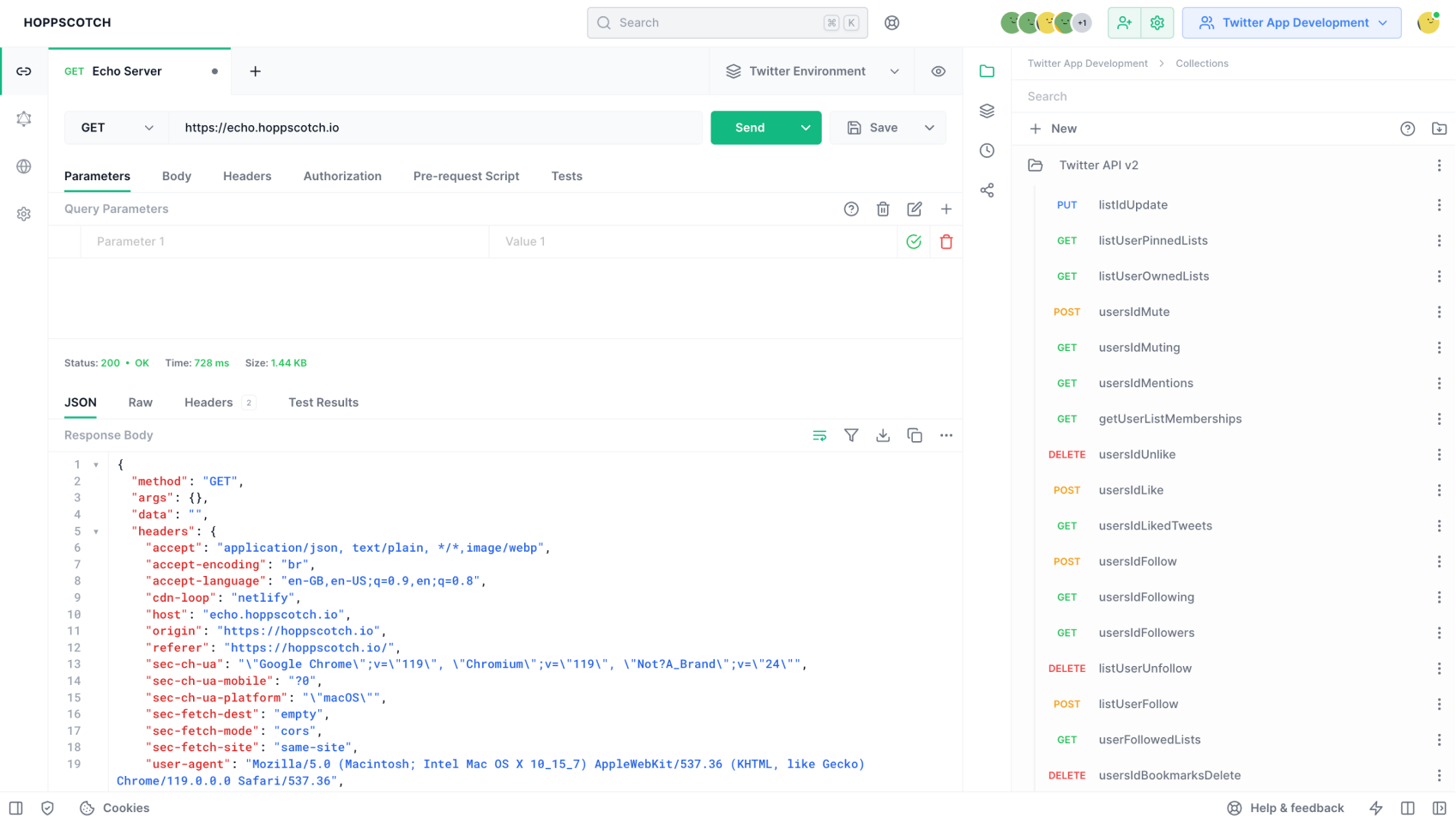
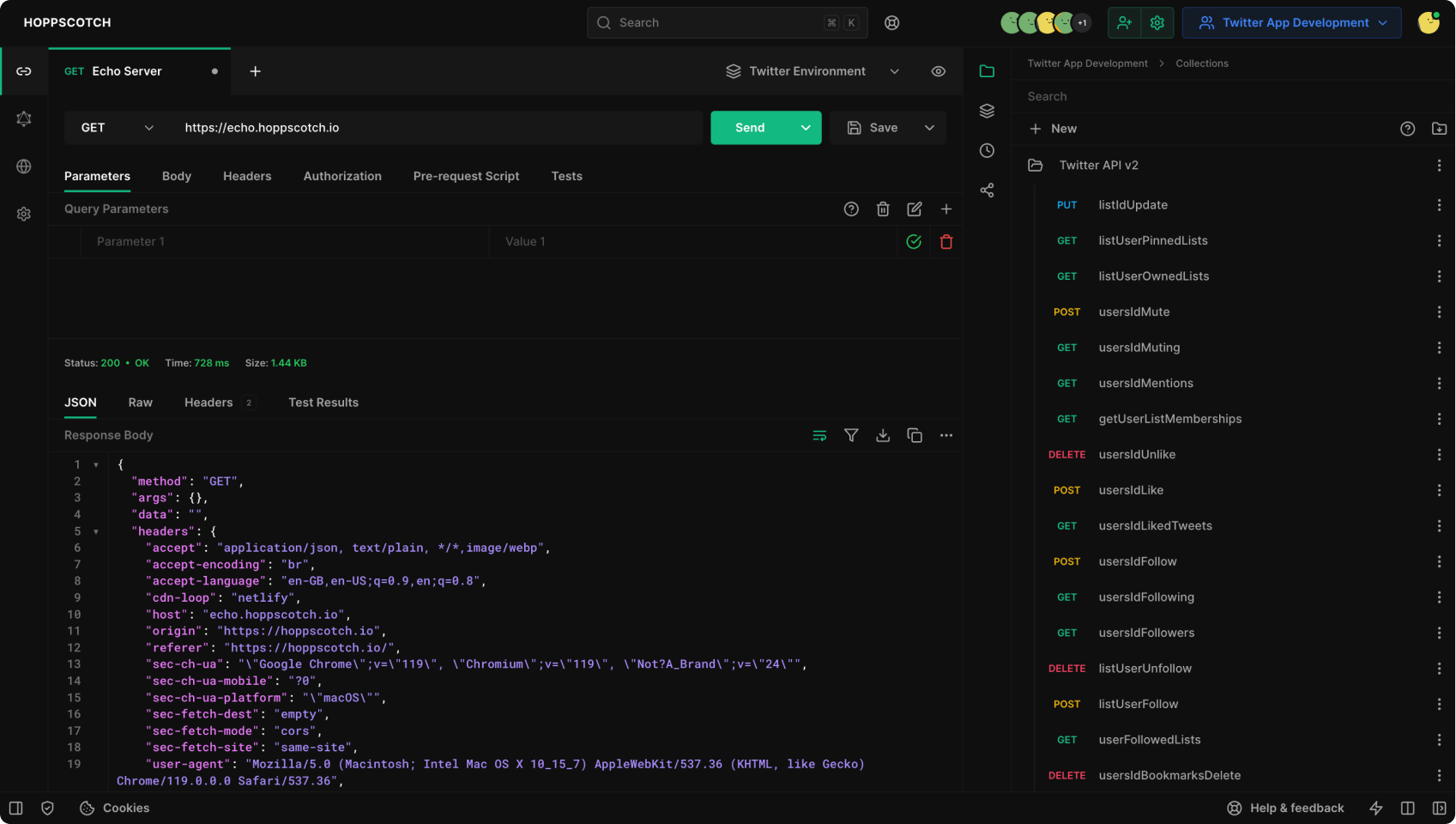 ## Download Hoppscotch Desktop App
Download the latest version of Hoppscotch Desktop App for your operating system:
Download for Apple Silicon-based Mac.
Download for Intel-based Mac.
Download the installer for Windows (64-bit).
Download the portable version for Windows (64-bit).
Download the Debian package for Debian-based Linux distributions.
Download the AppImage for Linux.
## Install Hoppscotch Desktop App
1. Download the latest version of Hoppscotch Desktop App from the links above or from [official website](https://hoppscotch.com/download).
2. Open the downloaded file.
3. Follow the on-screen instructions to install Hoppscotch Desktop App.
4. Open Hoppscotch Desktop App.
5. If you see a warning message, click "**Open**".
## Download Hoppscotch Desktop App
Download the latest version of Hoppscotch Desktop App for your operating system:
Download for Apple Silicon-based Mac.
Download for Intel-based Mac.
Download the installer for Windows (64-bit).
Download the portable version for Windows (64-bit).
Download the Debian package for Debian-based Linux distributions.
Download the AppImage for Linux.
## Install Hoppscotch Desktop App
1. Download the latest version of Hoppscotch Desktop App from the links above or from [official website](https://hoppscotch.com/download).
2. Open the downloaded file.
3. Follow the on-screen instructions to install Hoppscotch Desktop App.
4. Open Hoppscotch Desktop App.
5. If you see a warning message, click "**Open**".