

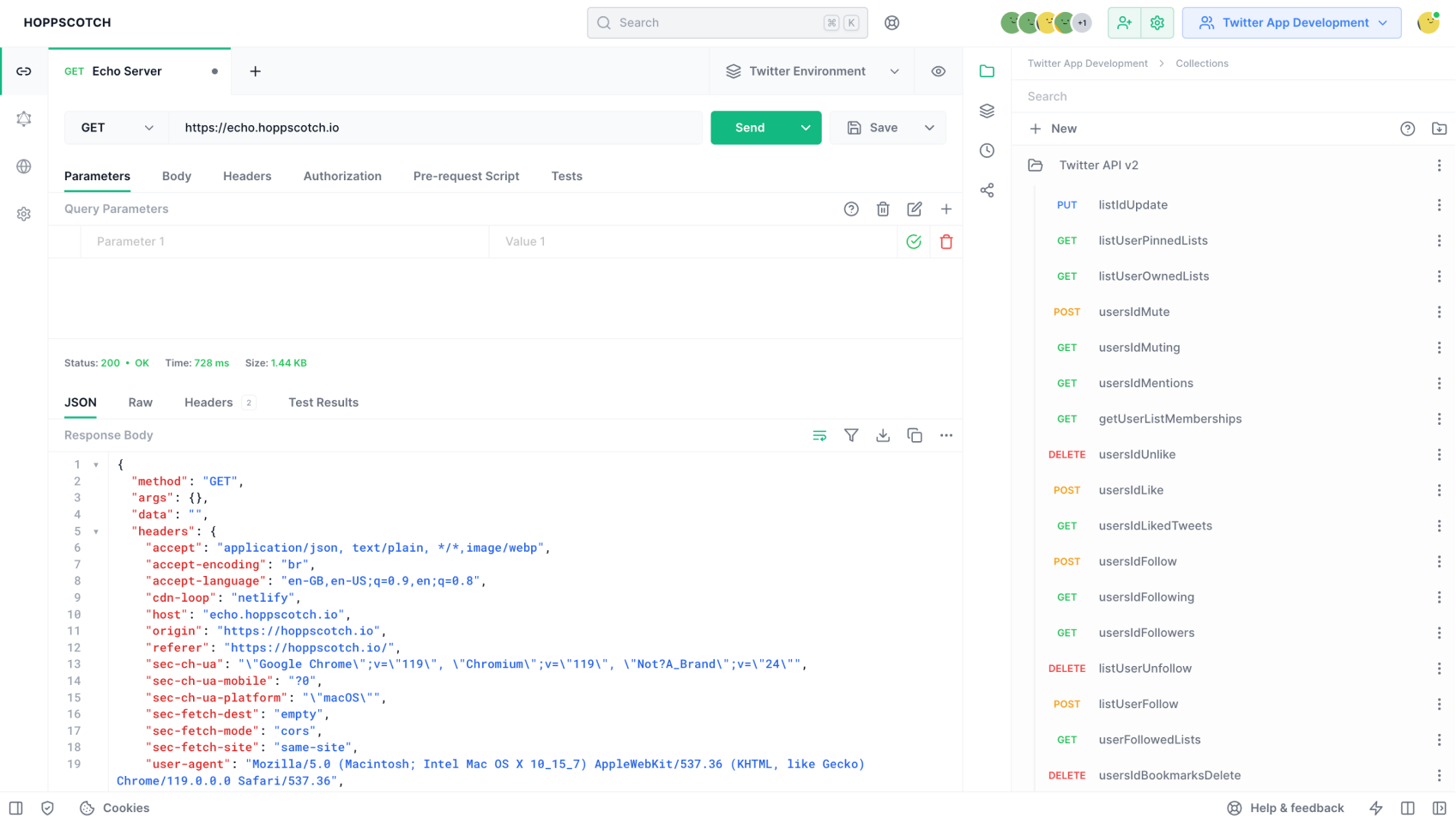
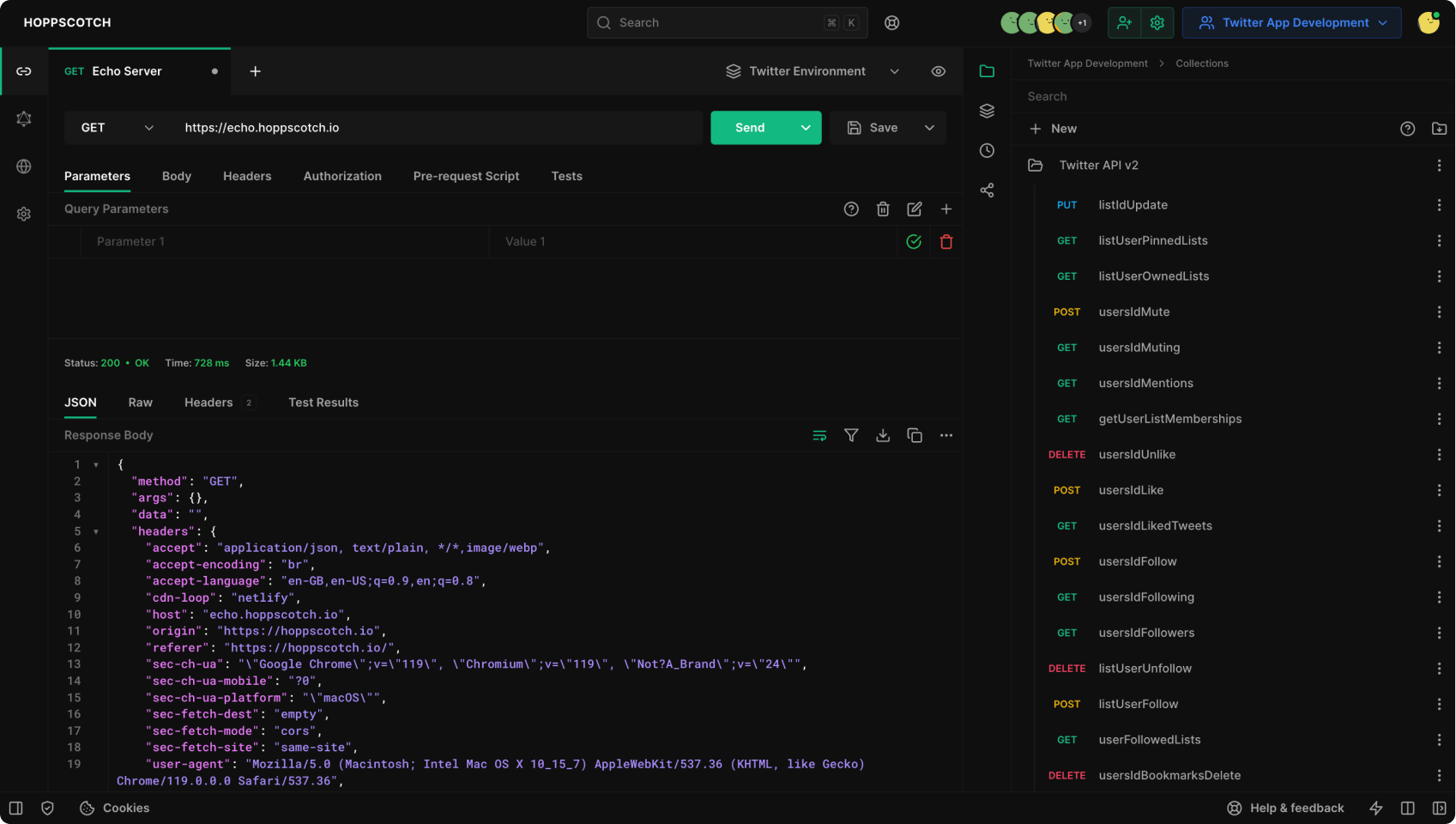
Download Hoppscotch Desktop App
Download the latest version of Hoppscotch Desktop App for your operating system:Mac
Mac
Apple Silicon (.dmg)
Download for Apple Silicon-based Mac.
Intel (.dmg)
Download for Intel-based Mac.
Windows
Windows
Windows Installer (.msi)
Download the installer for Windows (64-bit).
Windows Portable (.exe)
Download the portable version for Windows (64-bit).
Linux
Linux
Debian (.deb)
Download the Debian package for Debian-based Linux distributions.
App Image (.AppImage)
Download the AppImage for Linux.
Version numbering
Desktop version numbers use a shortened form where the major is the last two digits of the release year, so
26.6.0 is the desktop build of the 2026.6.0 release. A Windows MSI major version cannot exceed 255, so the full 2026 will not fit. The app info screen and the backup folder names show the 26.x.x form, while the releases page lists them as 2026.x.x.Install Hoppscotch Desktop App
- Download the latest version of Hoppscotch Desktop App from the links above or from official website.
- Open the downloaded file.
- Follow the on-screen instructions to install Hoppscotch Desktop App.
- Open Hoppscotch Desktop App.
- If you see a warning message, click “Open”.